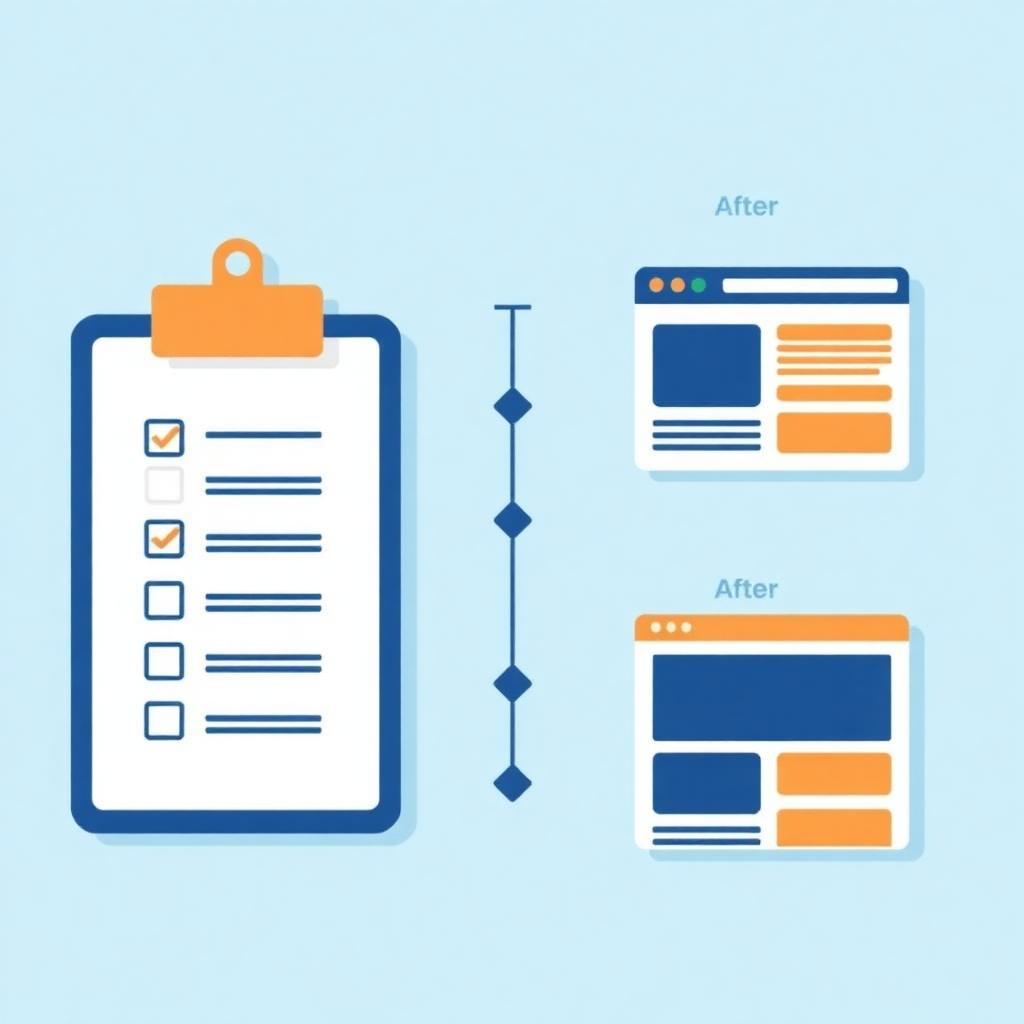
Redesigning a website is the perfect opportunity to level up — or the fastest way to accidentally tank your rankings, forms, and leads. This checklist is the one we walk every Fisher Built Websites client through before we touch a single pixel.
1. Define Business Goals First
A redesign should never start with 'make it look nicer.' Start with the outcome: more leads, more bookings, more product sales, more service pages ranking. Every design decision should trace back to a goal.
2. Audit the Current Site
- List every page and its current traffic.
- Identify top-performing pages you must keep (and their URLs).
- Note broken links, outdated content, and slow pages.
- Export current Google Analytics and Search Console baselines.
3. Lock in the Brand & Content Strategy
Colors, typography, tone, messaging, and imagery. A redesign is your chance to align the site with where the business actually is today.
4. Plan the New Site Structure
Map every page and how they link together. Prioritize a service page per service, a location page if you serve specific cities, and a contact page with a real form — not just an email address.
5. Protect Your SEO
- 301 redirect every old URL to its new equivalent.
- Preserve high-performing page titles and headings where they work.
- Rebuild internal linking so authority still flows to key pages.
- Update the XML sitemap and resubmit through Google Search Console.
- Keep or improve local schema markup.
6. Build for Speed and Mobile
New site, new standards. Aim for strong Core Web Vitals on mobile, compressed images, modern formats (WebP/AVIF), and clean semantic HTML.
7. Test Before Launch
- Every form submits to the right inbox.
- Every internal link resolves.
- Site loads fast on real mobile devices (not just simulators).
- Analytics, Search Console, and Google Business Profile are connected.
- Privacy policy, terms, and cookie disclosures are current.
8. Launch Smart
Launch during a low-traffic window. Monitor Search Console for crawl errors, watch rankings, and be ready to patch anything unexpected in the first 72 hours.
9. Post-Launch Support
The redesign isn't the finish line — it's the new starting line. Ongoing content, minor updates, SEO tuning, and monitoring keep the site compounding. Every Fisher Built Websites project ships with a support plan built for exactly this stage.
Thinking about a redesign? Let's walk through this checklist together.
Schedule a Consultation